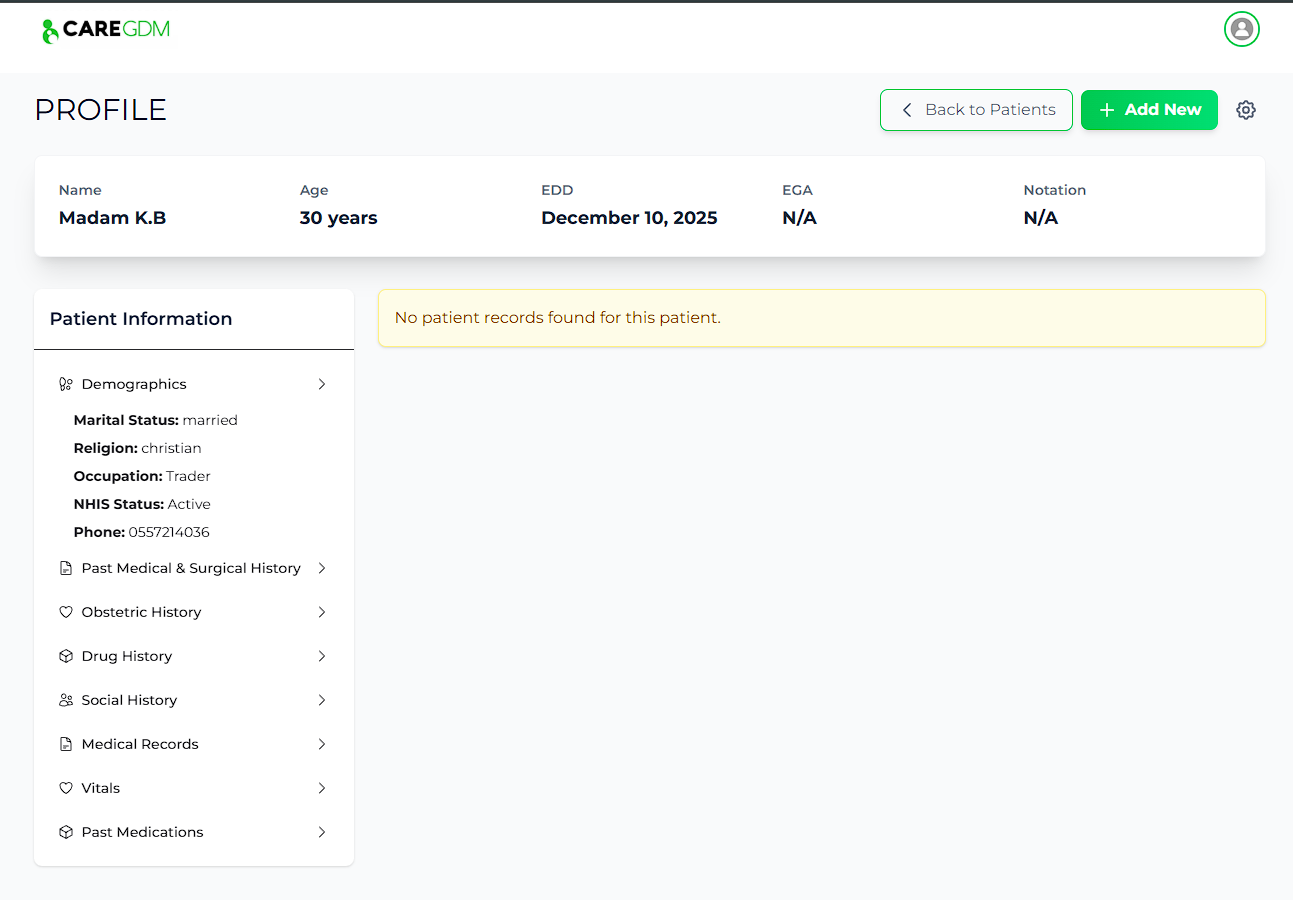
Adding a Patient
New patients are registered during their first antenatal visit.
Registration Steps
- Navigate to the Patients tab.
- Click the + Add New Patient button.
- Step 1: Demographics
- Enter Full Name, Date of Birth.
- Phone Number: Critical for WhatsApp integration. Ensure it is a valid WhatsApp number.
- Step 2: Medical History
- Enter Obstetric History (G/P/A).
- Record Pre-existing conditions (e.g., Hypertension).
- Step 3: Vitals & Baseline
- Enter height, weight, BP.
- Submit: The patient is now registered and will be reachable via the CARE-GDM WhatsApp assistant.