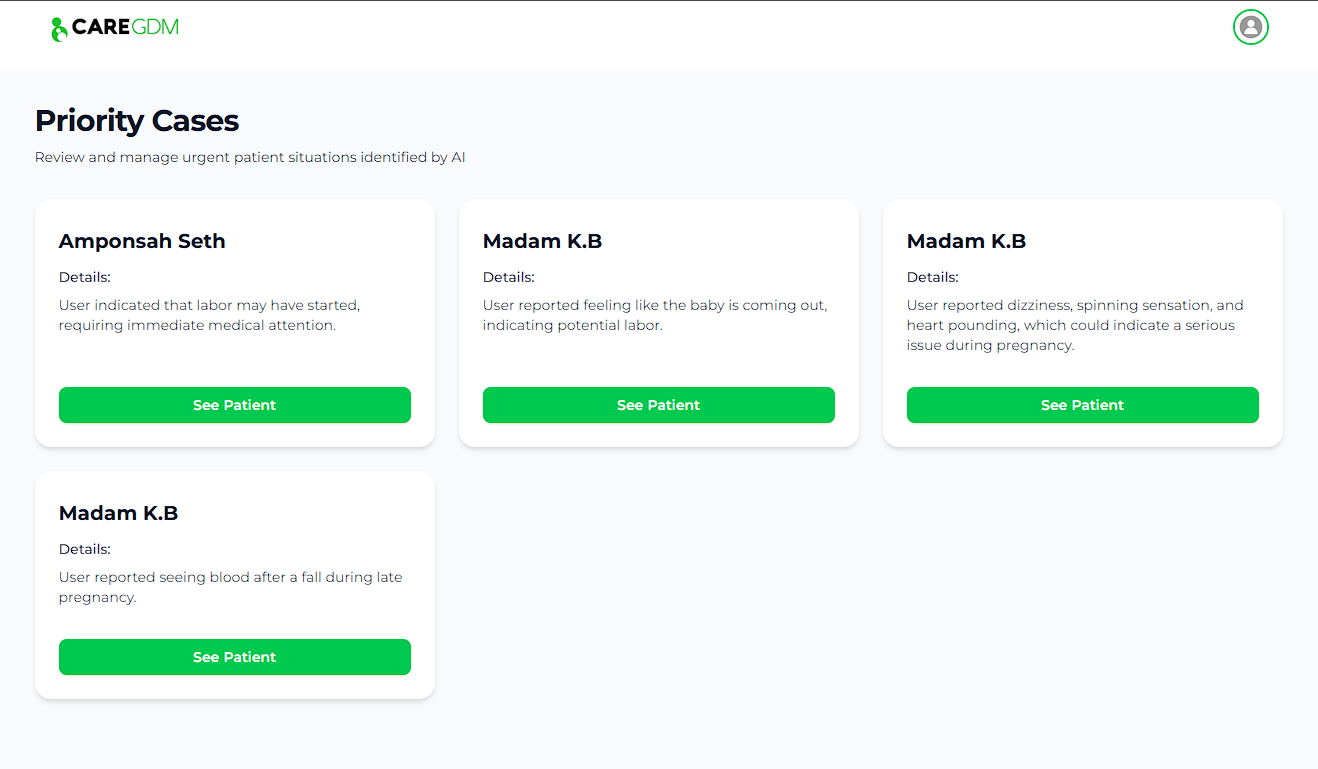
Priority Cases
The Priority Cases panel is designed to help you strictly prioritize high-risk patients.
How it Works
The system continuously monitors patient chats. If the Emergency Detection Agent identifies keywords or patterns indicating complications (e.g., bleeding, severe headache), the patient is flagged.
Viewing Priority Cases
- Check the Priority Panel on the main dashboard.
- Review the Reason for Flag (web-generated summary of the chat).
- Click to open the patient file and review the specific chat logs.
- Action: Contact the patient or prepare for their arrival.