Visit Records
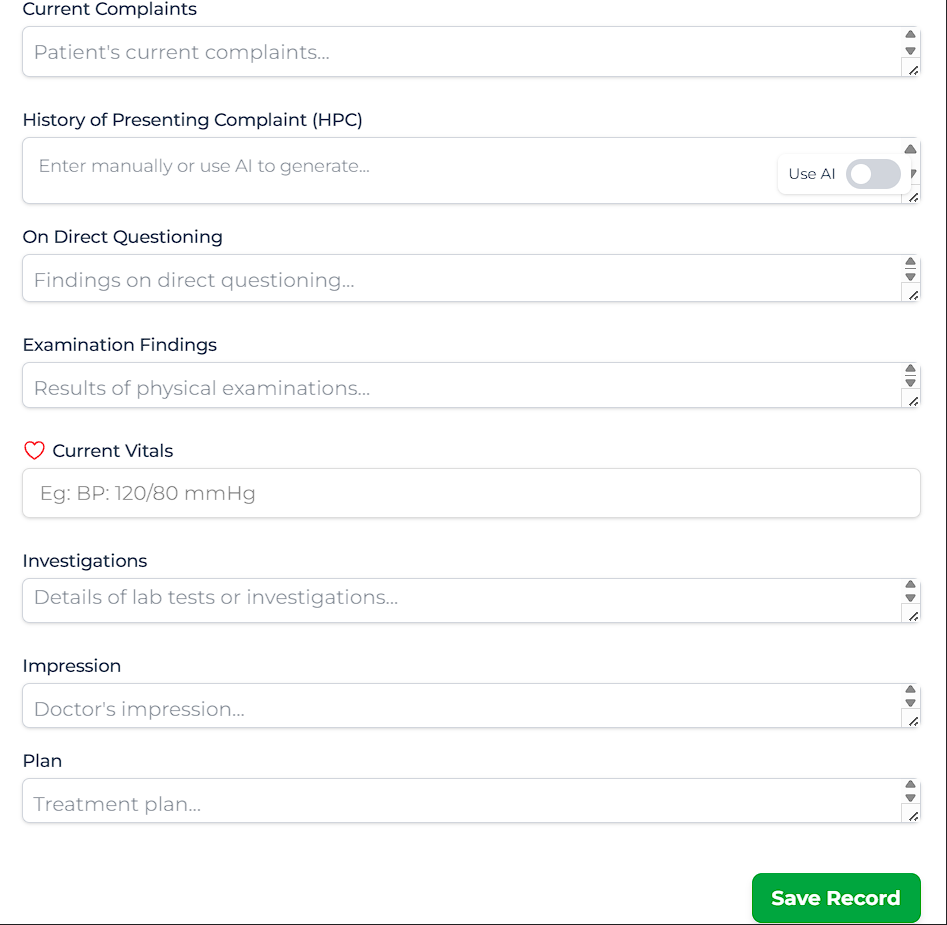
For every subsequent visit, you will document findings using the Add New Record interface.
Creating a Visit Record
- Open the Patient Profile.
- Click Add Visit Record.
- Fill in the sections:
- Current Complaints: Patient's reported issues.
- Examinations: Physical findings.
- Vitals: Updated BP, Weight, Fetal Heart Rate.
- Plan: Medication and lifestyle advice.
AI Assistance
When filling out "Current Complaints", you can use the AI Sidebar.
Use AI to Save Time
Click "Generate Summary" to pull relevant complaints from the patient's recent WhatsApp chats. Validate the text and insert it into the record.